Text-behind-photo ads for small businesses: car dealers, cafés and shops
How small businesses can make eye-catching photo ads for WhatsApp, Instagram and Facebook with the text-behind-subject effect — no designer needed.
Small businesses post photos every day: new stock, offers, happy customers. Most of these posts look the same — a photo with a line of text on top. The text-behind-subject effect makes your post look professionally designed, and it takes about a minute.

Why it works for ads
- Your product stays the hero. The text sits behind it, so it never covers the thing you are selling.
- It looks expensive. Customers associate this layered look with big brands and magazine ads.
- It is quick to repeat. Once you choose a font and colour, every new photo takes a minute, and your posts look like one consistent brand.
Ideas by type of business
Car and bike dealers
- Model name behind each vehicle for new stock posts: "CRETA", "CITY", "SWIFT".
- "SOLD" behind the car with the happy buyer next to it (ask their permission first).
- The year or price behind the car: "2021", "₹6.5 L".
- Shoot from the side or a three-quarter angle, with sky, a plain wall or an open lot behind the car.
Cafés and restaurants
- Dish names behind the dish: "BIRYANI", "LATTE", "DOSA".
- "NEW", "TODAY" or "COMBO" behind a menu item.
- Shoot on a plain table or wall; a busy background makes the cutout harder.
Clothing and shoe shops
- The collection name or season behind a model: "FESTIVE", "SUMMER".
- The brand name behind a shoe or bag shot on a plain floor.
Salons, gyms and services
- The service name behind a client or trainer: "BRIDAL", "KERATIN", "HIIT".
- Staff introductions: each person with their role behind them.
A simple routine you can repeat
- Take the photo with space above the subject (step back a little, hold the phone level).
- Open [Layr](/) and add the photo.
- Type one short word — the offer, product or model name.
- Use your brand colour and the same font every time.
- Add a second, smaller text layer in front for the details: phone number, price or date. Turn off "Behind subject" for that layer so it stays fully readable.
- Download — "Social" size (1080 px) is ideal for WhatsApp and Instagram.
Create your first ad →Free · runs in your browser · photos never uploaded
Keep it honest and legal
- Use your own photos, or photos you have permission to use. Stock photos usually need a licence for ads.
- Ask people before you post them, especially customers.
- Do not use other brands' logos or characters unless you have permission.
- Make prices and offers accurate, including any conditions. Advertising rules apply to social posts too.
Layr runs entirely in your browser, so your stock photos and customer photos are never uploaded to us. You keep full rights to the images you make. Read more in our Privacy Policy.
Frequently asked
Do I need a computer?
No. Layr works on phones too. A computer with Chrome or Edge is faster because it can use the graphics card.
Can I make many images in a row?
Yes. After the first photo, the AI model is saved in your browser, so each new photo starts quickly. Press "New photo" in the editor to start the next one.
More guides
 How to put text behind a person in a photo (free, no Photoshop)A step-by-step guide to the popular "text behind subject" effect: what it is, why it works, and how to make it in a minute in your browser.6 min read
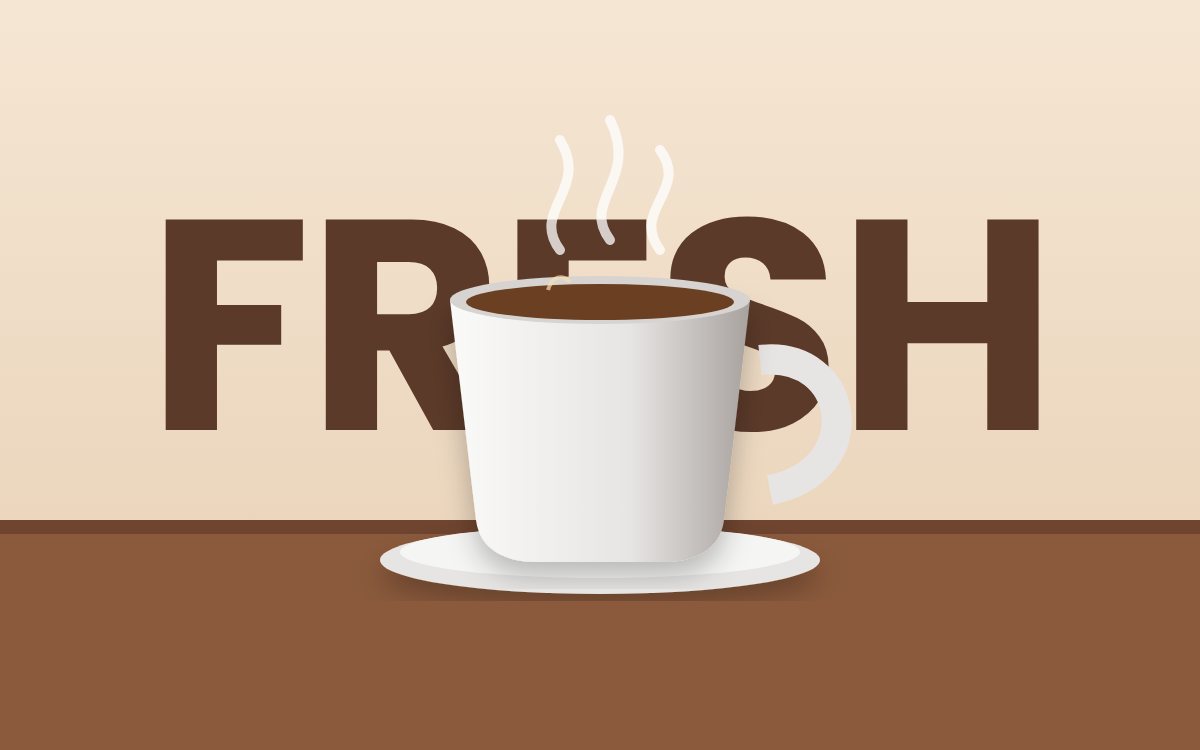 12 text-behind-photo ideas for Instagram, WhatsApp and postersTwelve practical ideas for the text-behind-subject effect — for birthdays, travel, sports, sales and more — with tips on which word, font and colour to use.7 min read
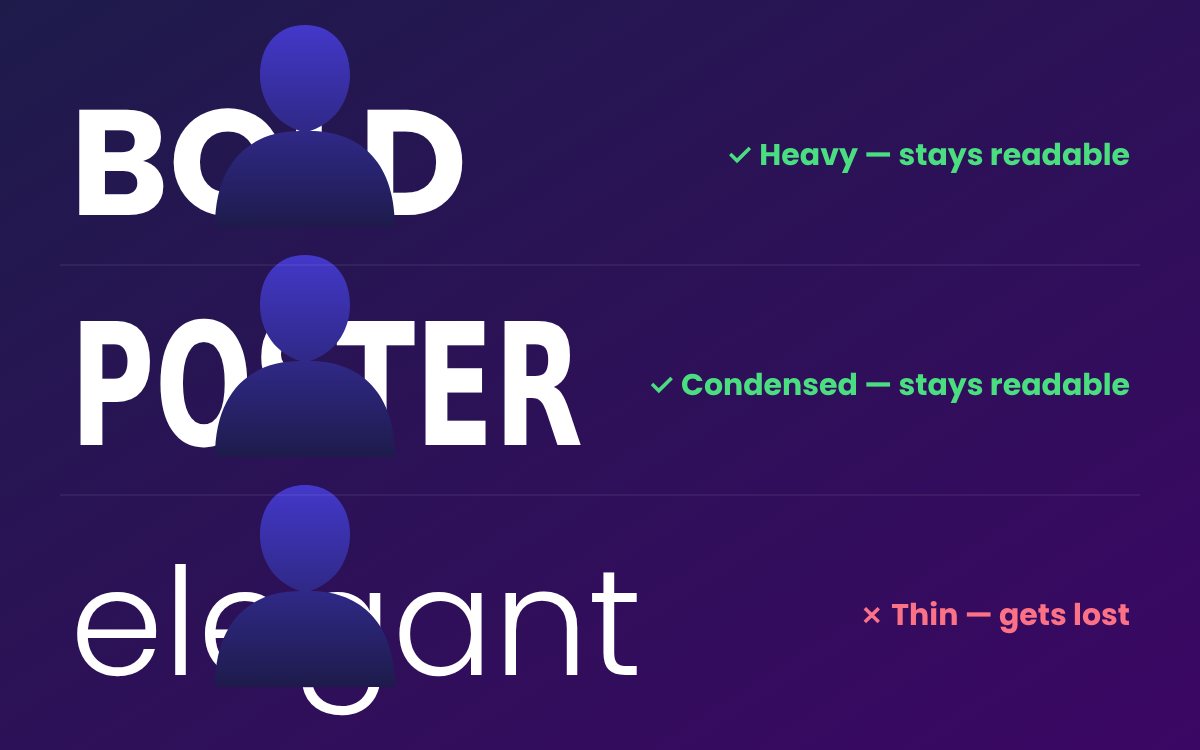 Fonts and colours that make text-behind designs popHow to choose fonts, colours and effects for text-behind-subject images so the word stays readable and the image looks professional.6 min read