12 text-behind-photo ideas for Instagram, WhatsApp and posters
Twelve practical ideas for the text-behind-subject effect — for birthdays, travel, sports, sales and more — with tips on which word, font and colour to use.
The text-behind-subject effect works for almost any photo with one clear main subject. Here are twelve ideas you can make in a few minutes, with notes on what makes each one work.
Personal posts
1. Your name behind your portrait
The classic. Put your first name in huge letters behind your head and shoulders. Use a heavy font in white, and let your head cover the middle of the word. Great for a profile cover, a portfolio or a "new job" announcement.
2. Birthday age or name
Put the age ("30") or the name behind the birthday person. Numbers are short and bold, so they stay readable even when half hidden. Bright colours or a gradient suit the mood.
3. Travel destination
A photo of you in front of a view, with the place name behind you: "GOA", "PARIS", "MUNNAR". Choose a colour from the scene — sea blue, sunset orange — so the text feels part of the photo.
4. Wedding or engagement
The couple's names or the date behind them. Elegant serif fonts in cream or gold work well. Keep the effect subtle: smaller text, no heavy effects.
Sports and hobbies
5. Player name and number
A cricket or football action shot with the player's surname and shirt number behind them. Use condensed sports fonts, and add a 3D depth effect for a poster look.
6. Gym progress
A strong pose with one word behind it: "DAY 100", "STRONGER", "FOCUS". Bold black or white text with a hard shadow looks powerful.
7. Pets
Your dog or cat with their name behind them. Animals with clear outlines (short fur, plain background) give the cleanest cutout. Rounded, friendly fonts suit pets.
Business and promotions
8. Product name behind the product
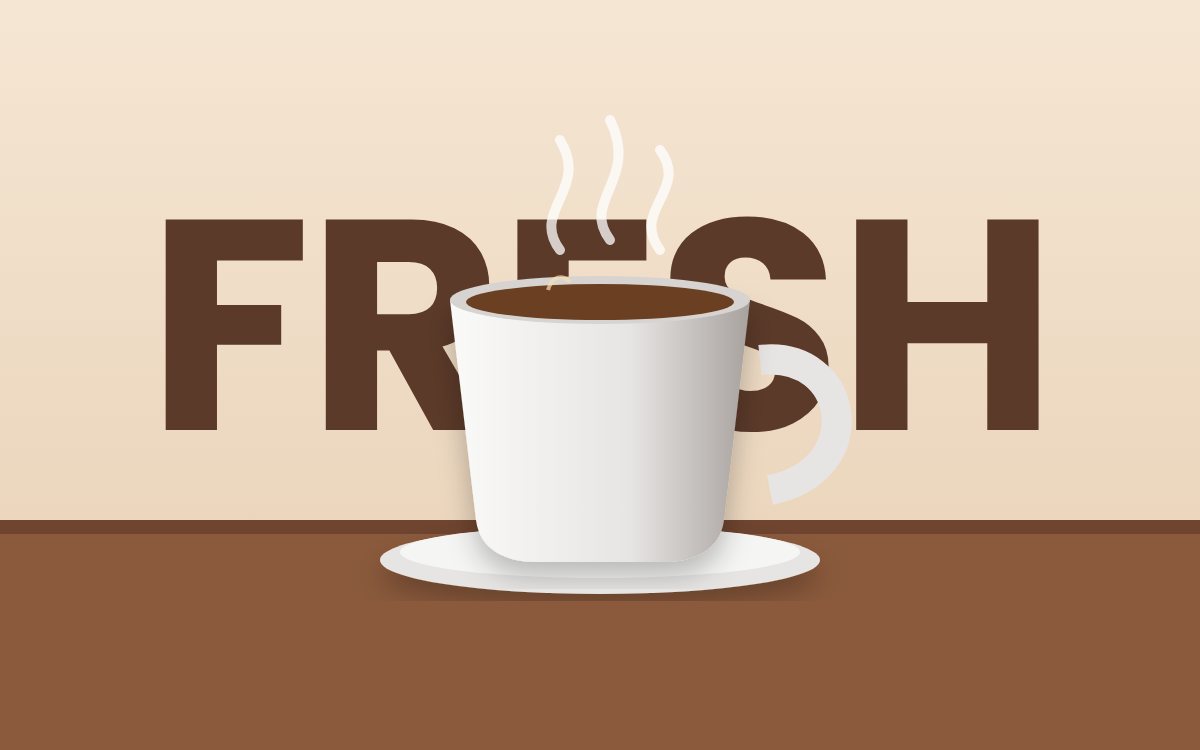
A bottle, shoe or phone on a plain background, with the product name or "NEW" behind it. This is how many big brands show products. Keep the background clean so the product stands out.
9. Sale announcement
"SALE", "50% OFF" or "DIWALI OFFER" behind a model or product. Use a strong colour your brand already uses, so customers recognise you.
10. Vehicle for sale
A car or bike photo with "SOLD", "NEW ARRIVAL" or the model name behind it. Shoot from the side or at a three-quarter angle with a clear sky or wall behind. See our guide for small businesses.
11. Event poster
A speaker or performer with the event name behind them, plus a smaller front text line with the date and place. Layr lets you add several text layers and choose for each one whether it sits behind or in front.
12. Team or staff introduction
Each team member with their role behind them: "DESIGN", "SALES", "CHEF". Use the same font and colour for every photo so the set looks like one series.
Making any idea work
- One clear subject. The AI finds the main subject best when it stands out from the background.
- Space for the text. Choose photos with sky, a wall or empty space above or around the subject.
- Short words. One to three words. Longer messages go in a second, smaller text layer in front.
- Hide only part of the word. The subject should cover a slice of the letters, not most of them.
- Square for posts, tall for stories. Crop your photo before uploading if you need a specific shape.
Make one now →Free · runs in your browser · photos never uploaded
Want to pick the perfect font and colour? Read Fonts and colours that make text-behind designs pop.
More guides
 How to put text behind a person in a photo (free, no Photoshop)A step-by-step guide to the popular "text behind subject" effect: what it is, why it works, and how to make it in a minute in your browser.6 min read
 Text-behind-photo ads for small businesses: car dealers, cafés and shopsHow small businesses can make eye-catching photo ads for WhatsApp, Instagram and Facebook with the text-behind-subject effect — no designer needed.7 min read
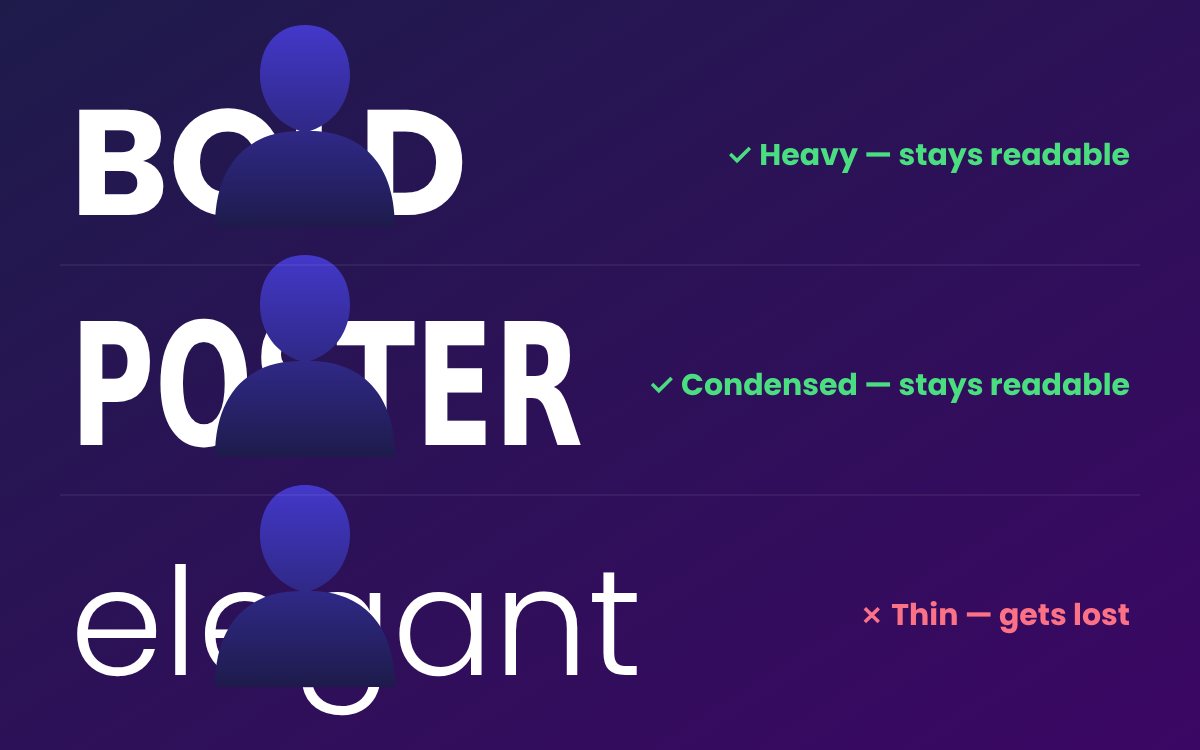 Fonts and colours that make text-behind designs popHow to choose fonts, colours and effects for text-behind-subject images so the word stays readable and the image looks professional.6 min read